ZenithProxy Launcher for Windows
Prerequisites
- Windows 10+
- You do NOT need to install Python or Java yourself, the launcher will do it automatically
Steps
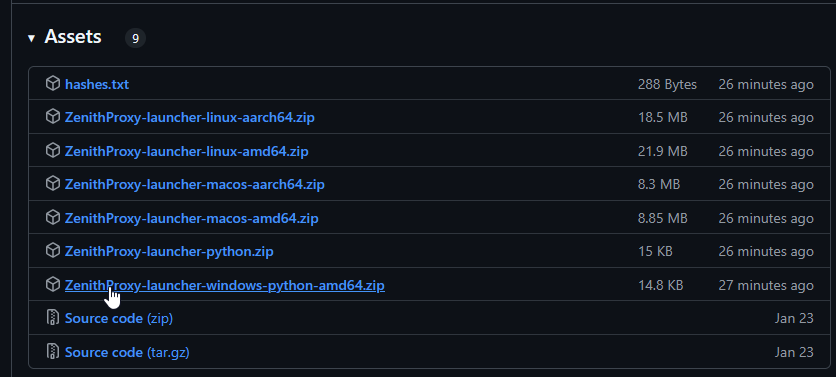
Download
Download ZenithProxy-launcher-windows-python-amd64.zip here: https://github.com/rfresh2/ZenithProxy/releases/download/launcher-v3/ZenithProxy-launcher-windows-python-amd64.zip
Unzip
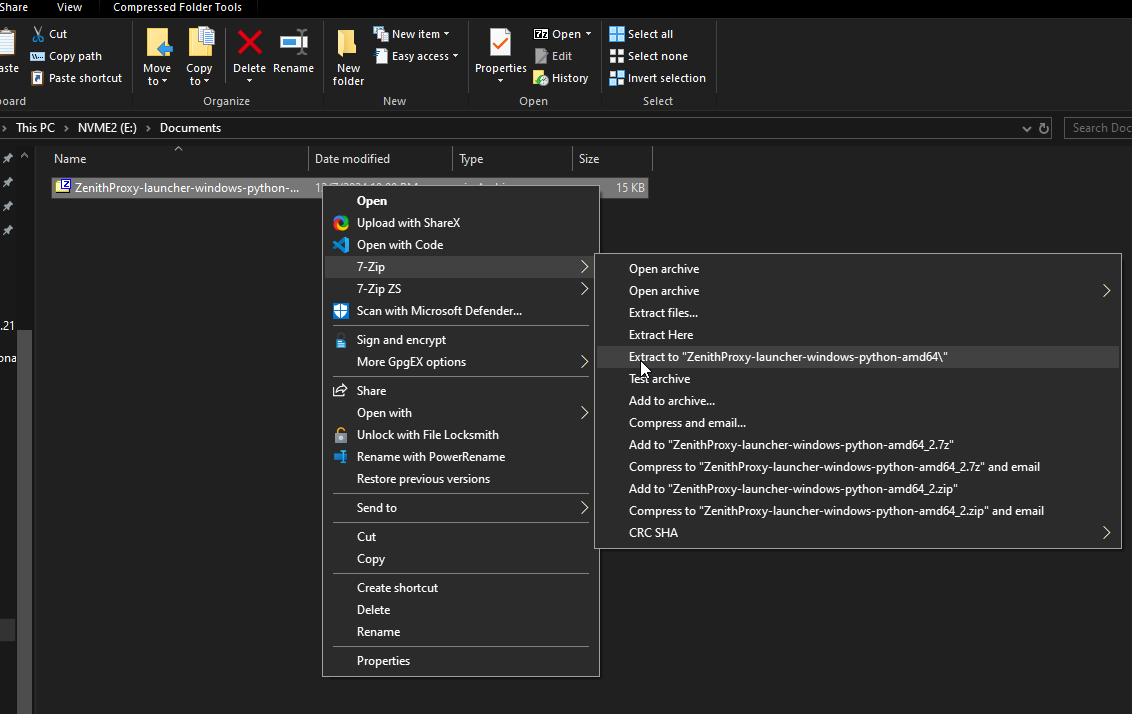
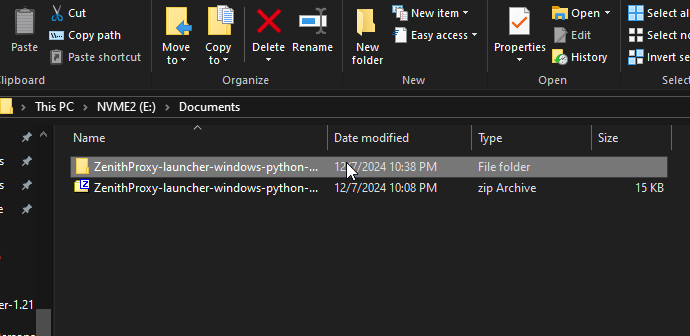
Unzip the file. It does not matter which folder you move or extract the files to.
I recommend using 7zip: https://www.7-zip.org/
Open
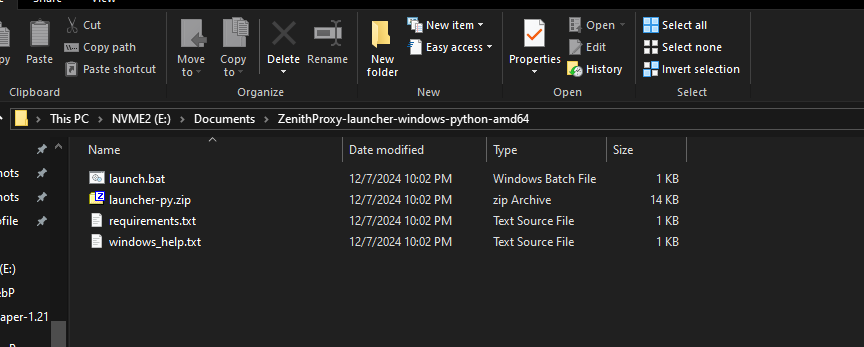
Open the folder you extracted the launcher to
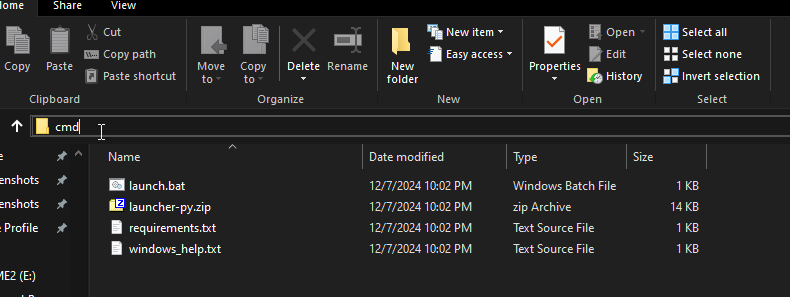
cmd
Open cmd
Enter "cmd" into the windows file search and press enter
Run
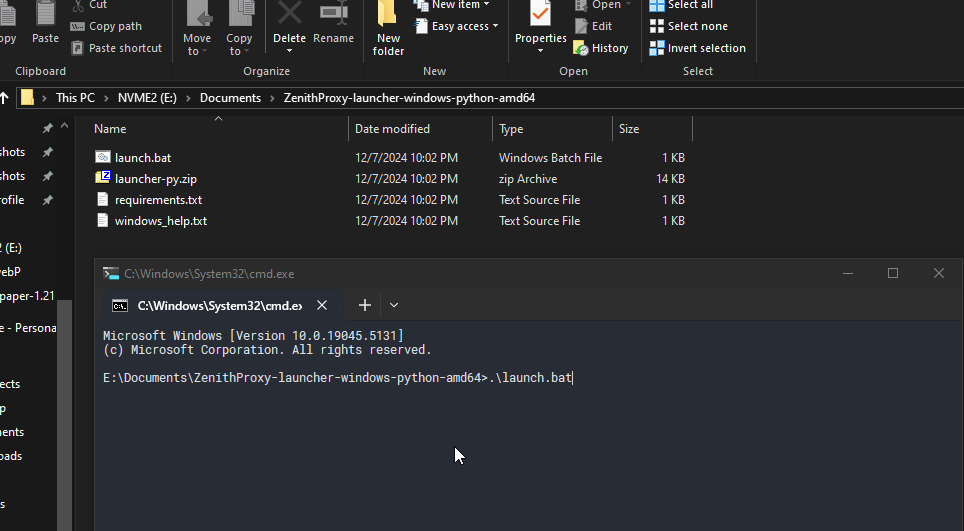
Run the launcher
Enter .\launch.bat and press enter
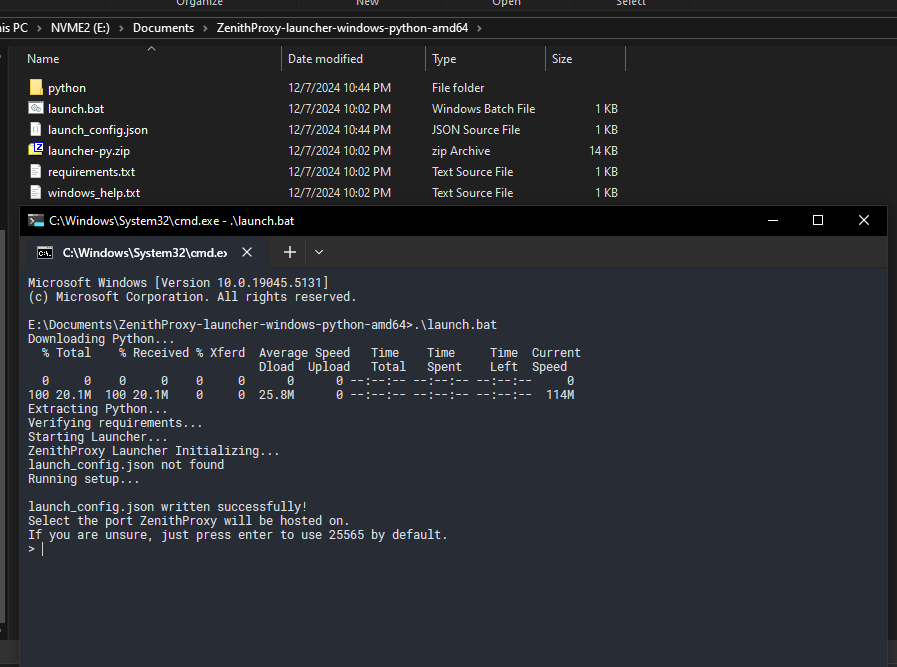
Complete the setup prompts
Refer to the other documentation pages for further help: